Free download · 3 designs · Word, PDF and Excel
Free Change Order Template
One page with scope, price, schedule and signatures, so extra work is approved before it starts.
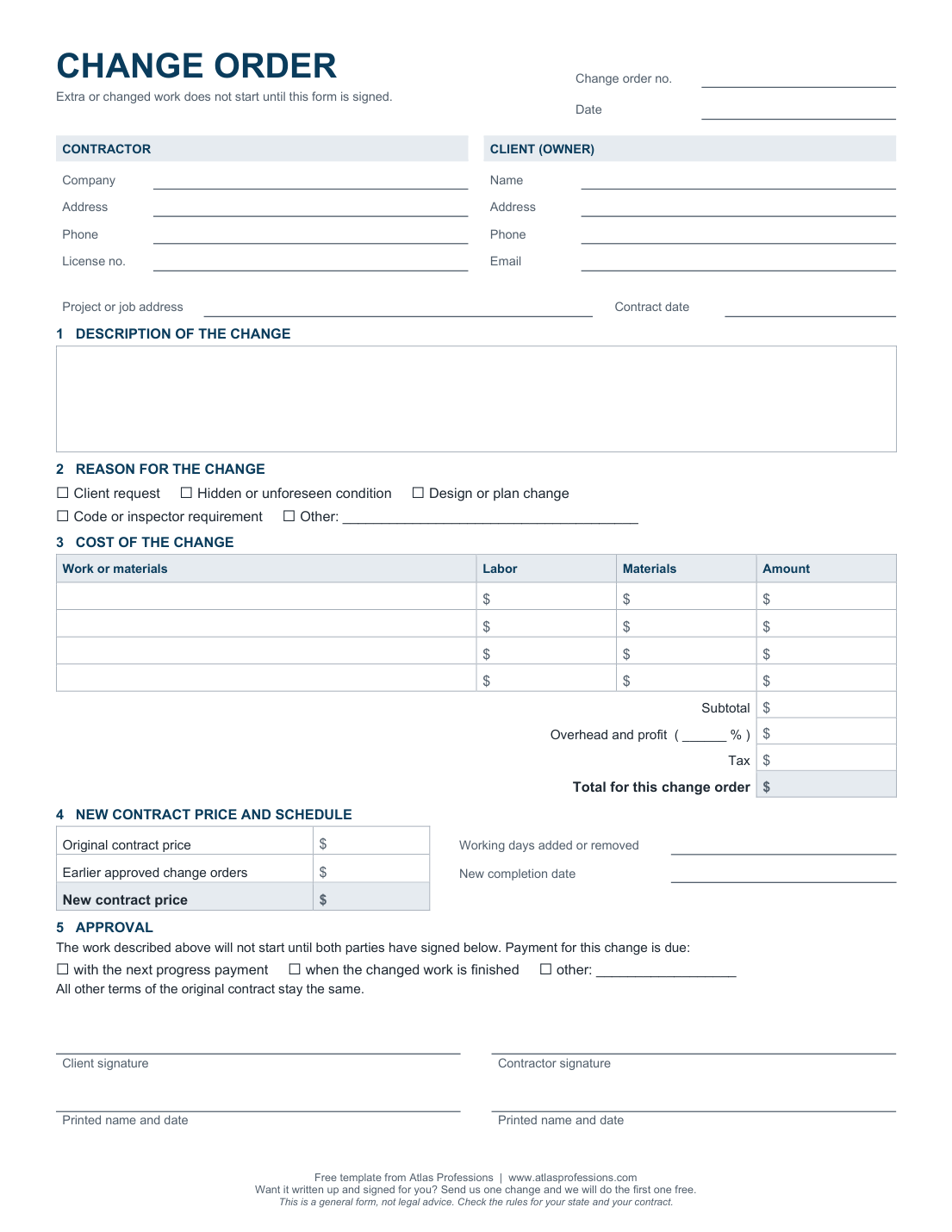
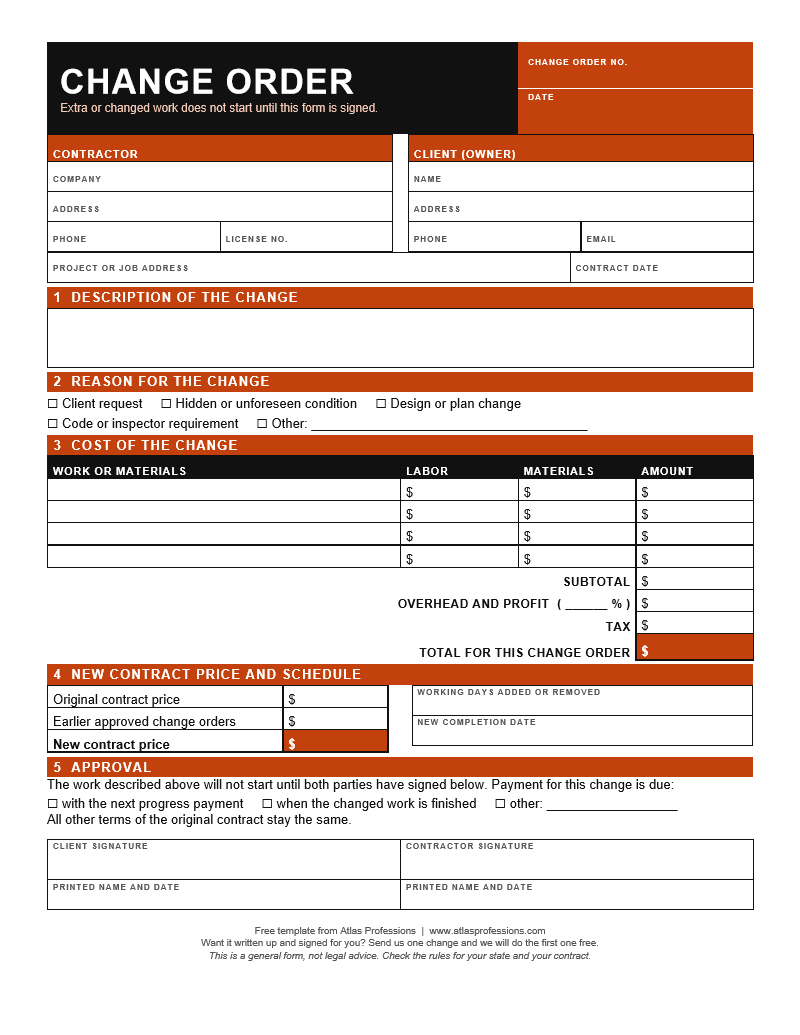
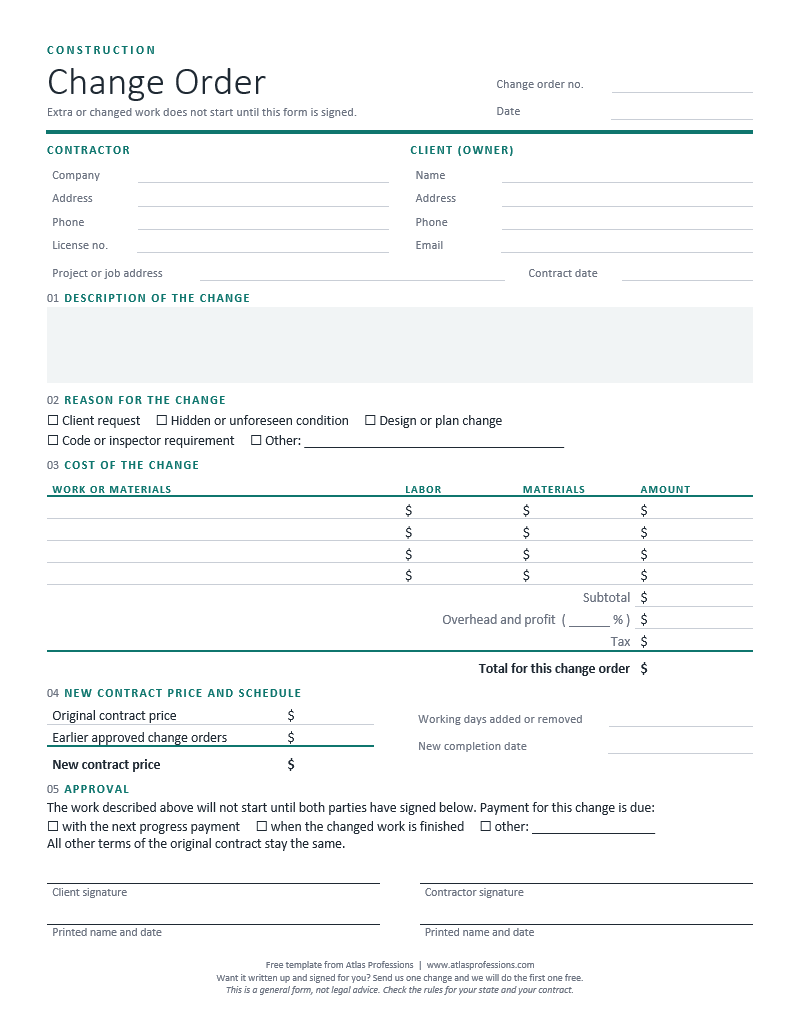
3 designs, same form:ModernClassicBold
One page with scope, price, schedule and signatures, so extra work is approved before it starts.
3 designs, same form:ModernClassicBold
Made for: General Contractors · Custom Home Builders · Remodelers · Roofers
Type the change and the price, pick a design, then save it as a PDF to send or print. Nothing you type leaves this page. Your company name and design are remembered on this device for next time.
| Original contract price | |
| This change | |
| New contract price | |
| Days added to the schedule |
Payment for this change is due with the next progress payment unless agreed otherwise. Work on this change starts after both signatures.
A short written agreement, signed by you and your client, that changes the scope, price or schedule of a contract that is already signed.
Before the extra work starts. Write it up while everyone still remembers the conversation, and don't start until it's signed. Once the work is done, it's much harder to get paid for it.
Usually you fill it in and sign, then send it to the client to sign. Work on the change starts after both signatures are on it.
In most cases a signed change order becomes part of the contract. But the rules vary by state and by what your contract says about changes, so check your contract or ask a local attorney. General information, not legal advice.
Use the time-and-materials version. It sets the rates and a not-to-exceed amount up front, and the Excel copy has a time log that shows what's left under the cap.
Use the allowance version. It lists each allowance, the actual cost and the difference, and shows the new contract price.
Yes. Enter your email and the download starts right away, in Word, PDF and Excel. Edit it however you like.
General information, not legal advice. Rules differ by state and by contract.
We write up change orders and get them signed. Send us one change and the first one is free.